
How to give a discount on preorder products
One way to incentivize customers to purchase preorder products is to offer a preorder exclusive discount. You can easily set this up in EZ Preorder by going to Configuration > Discount.
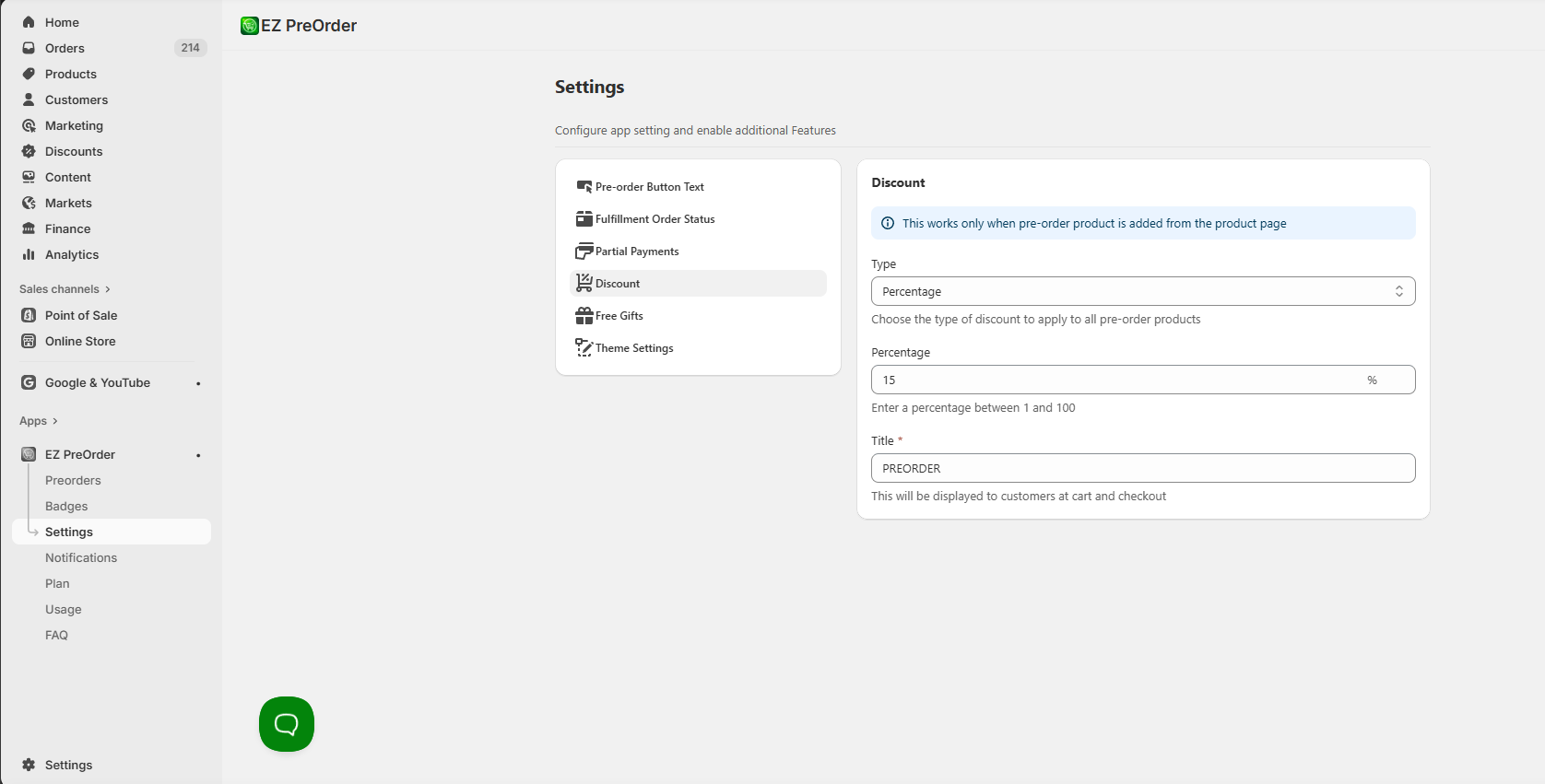
From here, you can choose the type of discount. Either a percentage or a fixed amount off. Specify that amount, and then give a title to the discount. This title will be displayed to customers in the cart and at checkout.
Enabling the discount feature will automatically apply the discount to all of your active preorder products.
See this video demo for a visual walkthrough: