
How to use the featured preorder section
EZ Preorder allows you to add a custom app block to your store called the featured preorder section. This block allows you to feature a selected preorder product anywhere in your store, such as the home page or another page.
You can add this to your theme directly in the theme customizer by going to Add Section > Apps > Preorder Featured Product
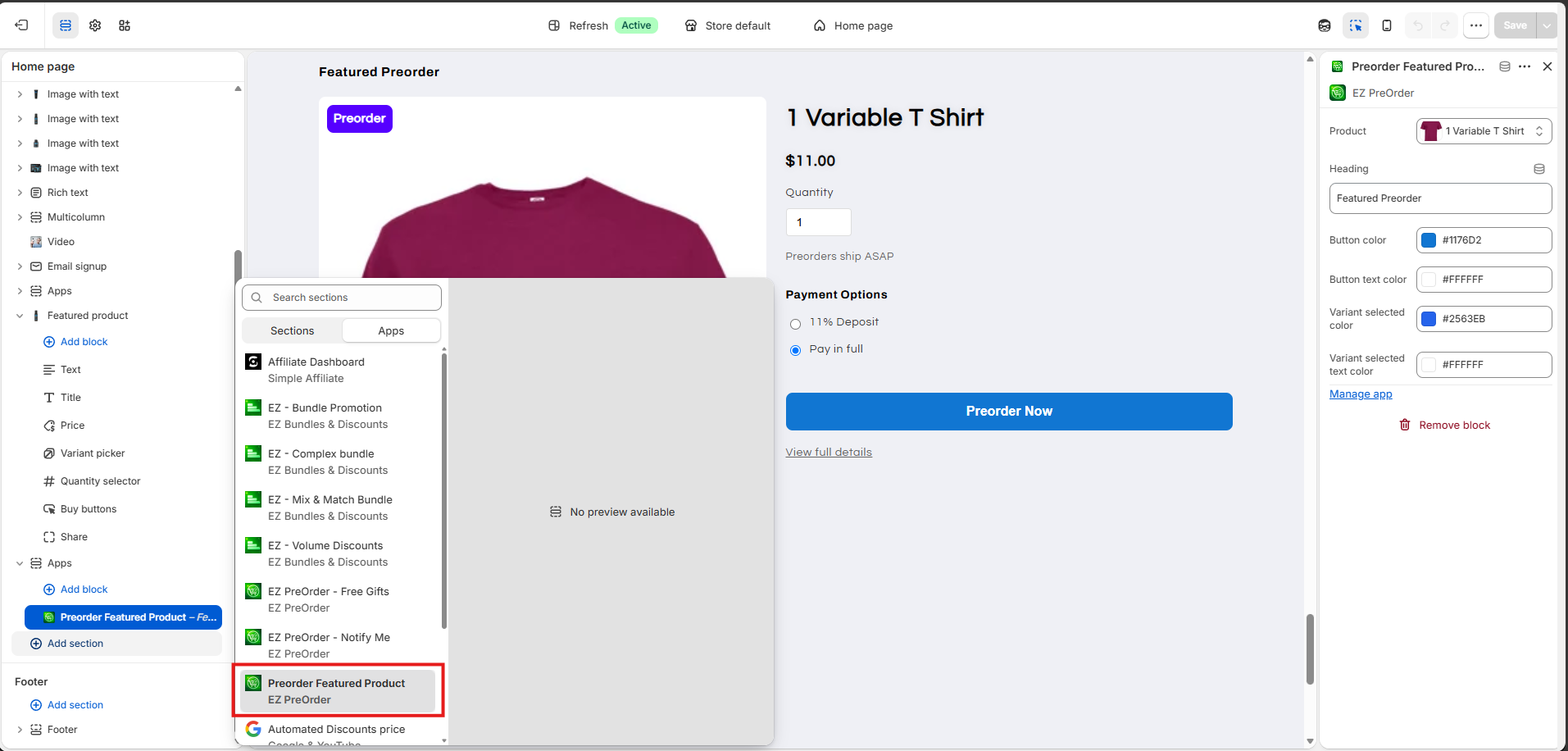
This section also allows the preorder product to be added directly to the cart from here, without viewing the product page. Configured preorder badges or partial payments will also show up here.
Contact support if you need any assistance with setup.