
How to edit restock alert email notifications
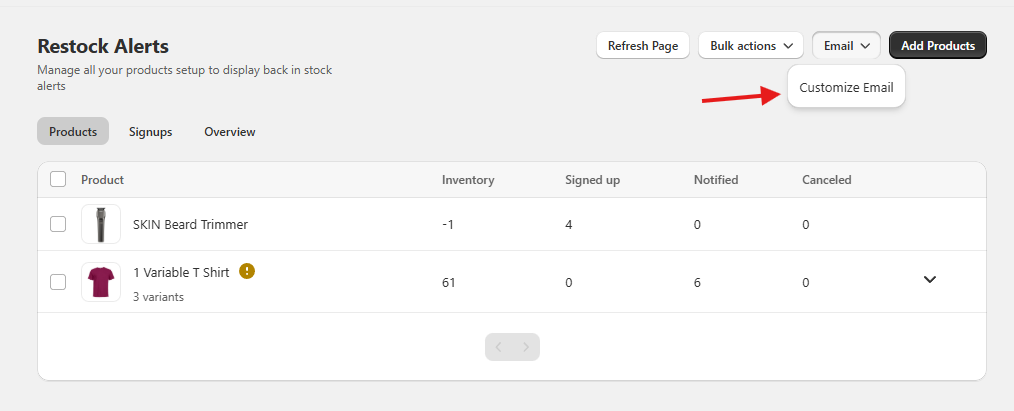
To edit the content of the restock alert emails that are sent to the potential customers when your product is back in stock, you can go to Restock Alerts > Email > Customize in the app.
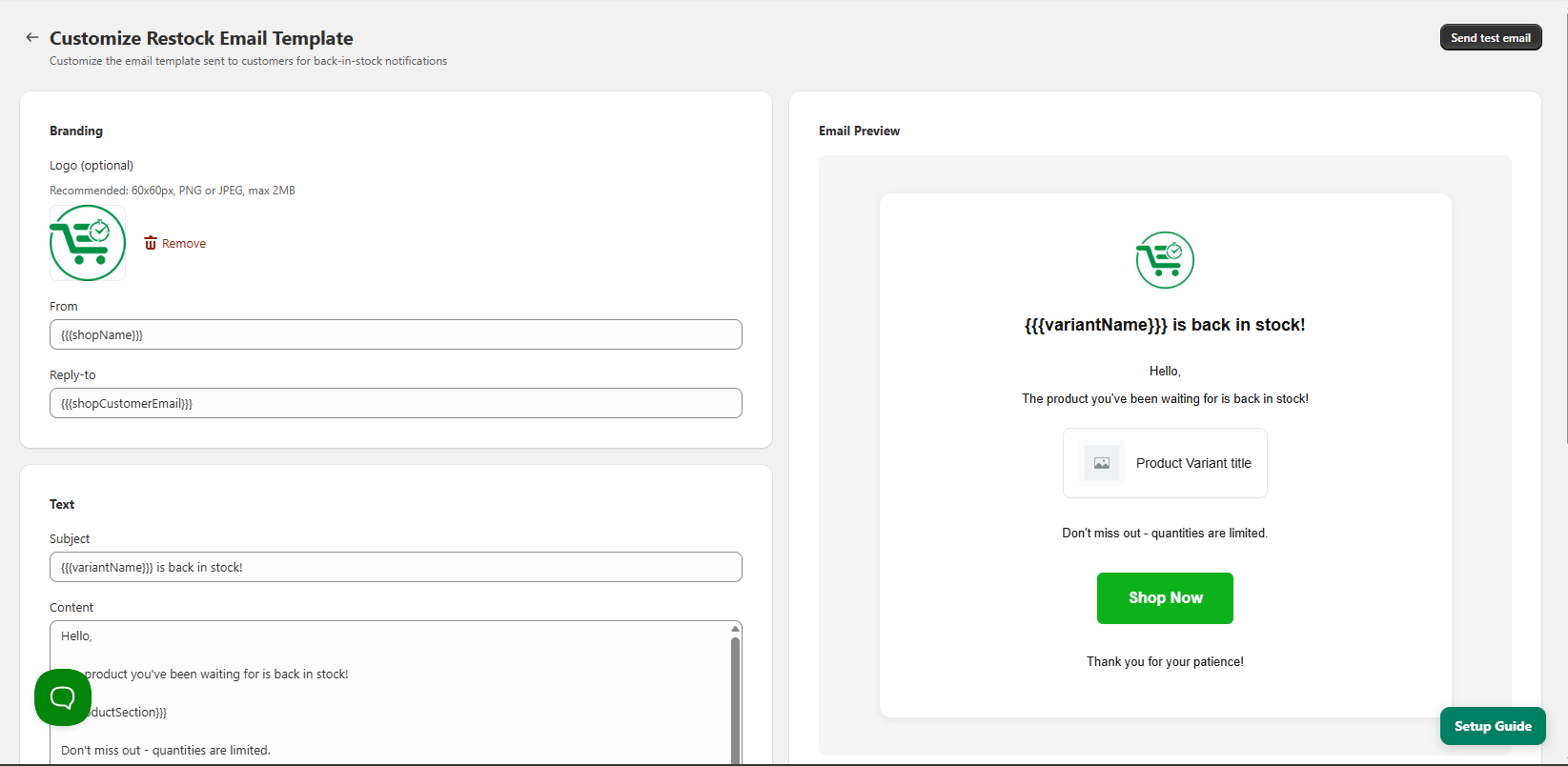
On this page, you will be able to edit the text content of the restock alert email, make the CTA button match your brand colors, as well as add your company logo to the email. You can also send a test email to yourself from here as well.
If you have any questions please contact support.