
How To Set Preorders For Specific Countries Or Markets
With EZ Preorder, you can choose to setup your preorders to be available only in specific countries or markets that you select. You can set this at the variant level so it can be customized per individual preorder product.
To set this up, go to Preorders > Edit on the product on your preorder list > Scroll Down to Visibility By Market > Choose Specific Countries > Select the countries you want the preorder to be available to.
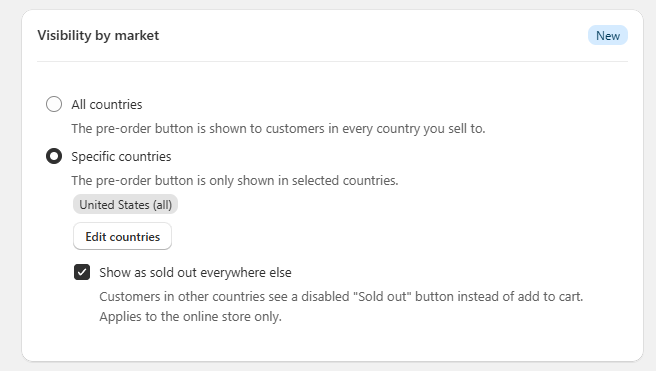
By default, unselected countries not available for preorder will show the product as 'sold out'. You can optionally disable this.
This feature is available on the growth plan, along with other visibility features in the app.
If you have any questions, reach out to our support at support@casualecommerce.com.